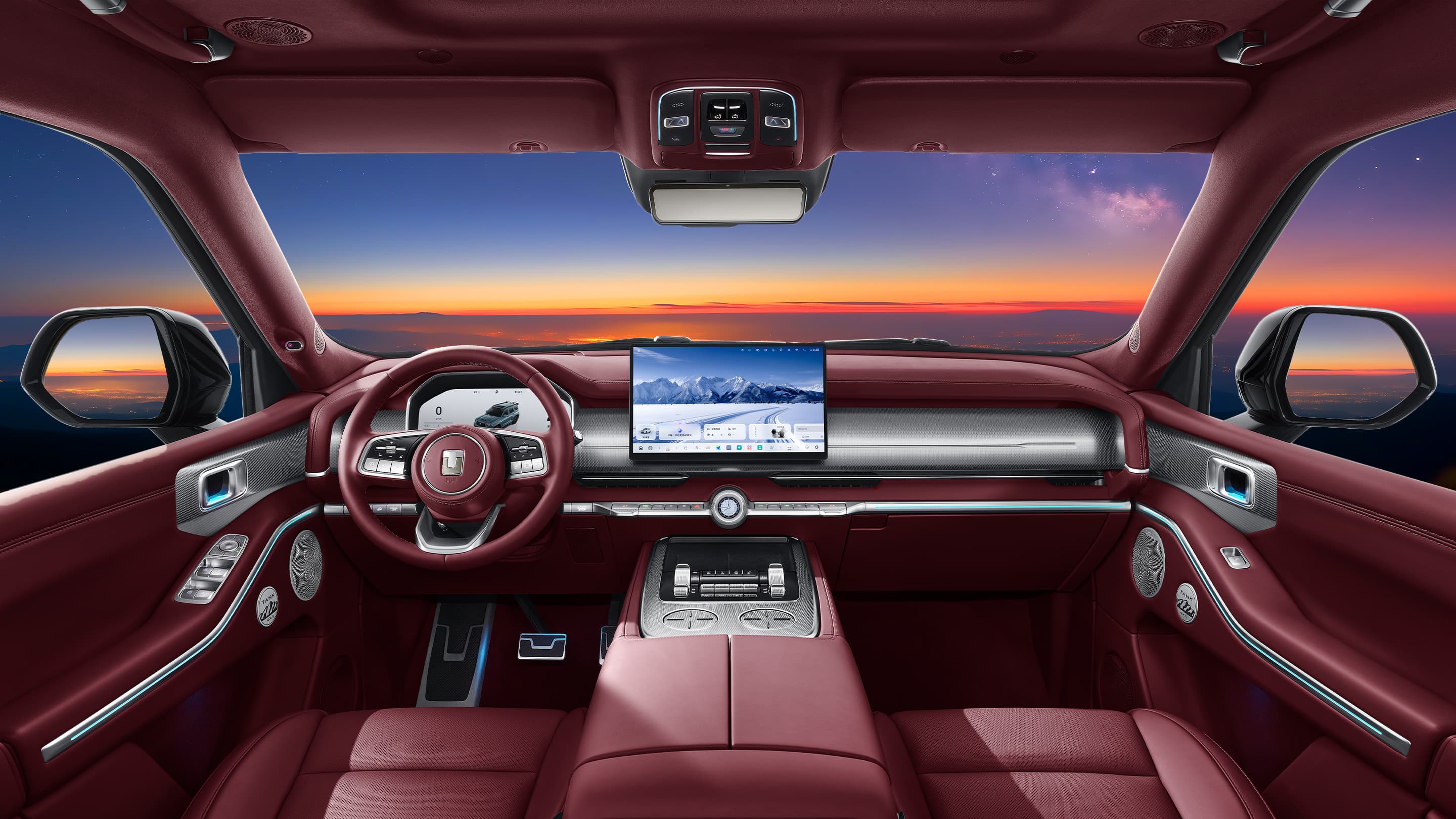
Use a named colour reference
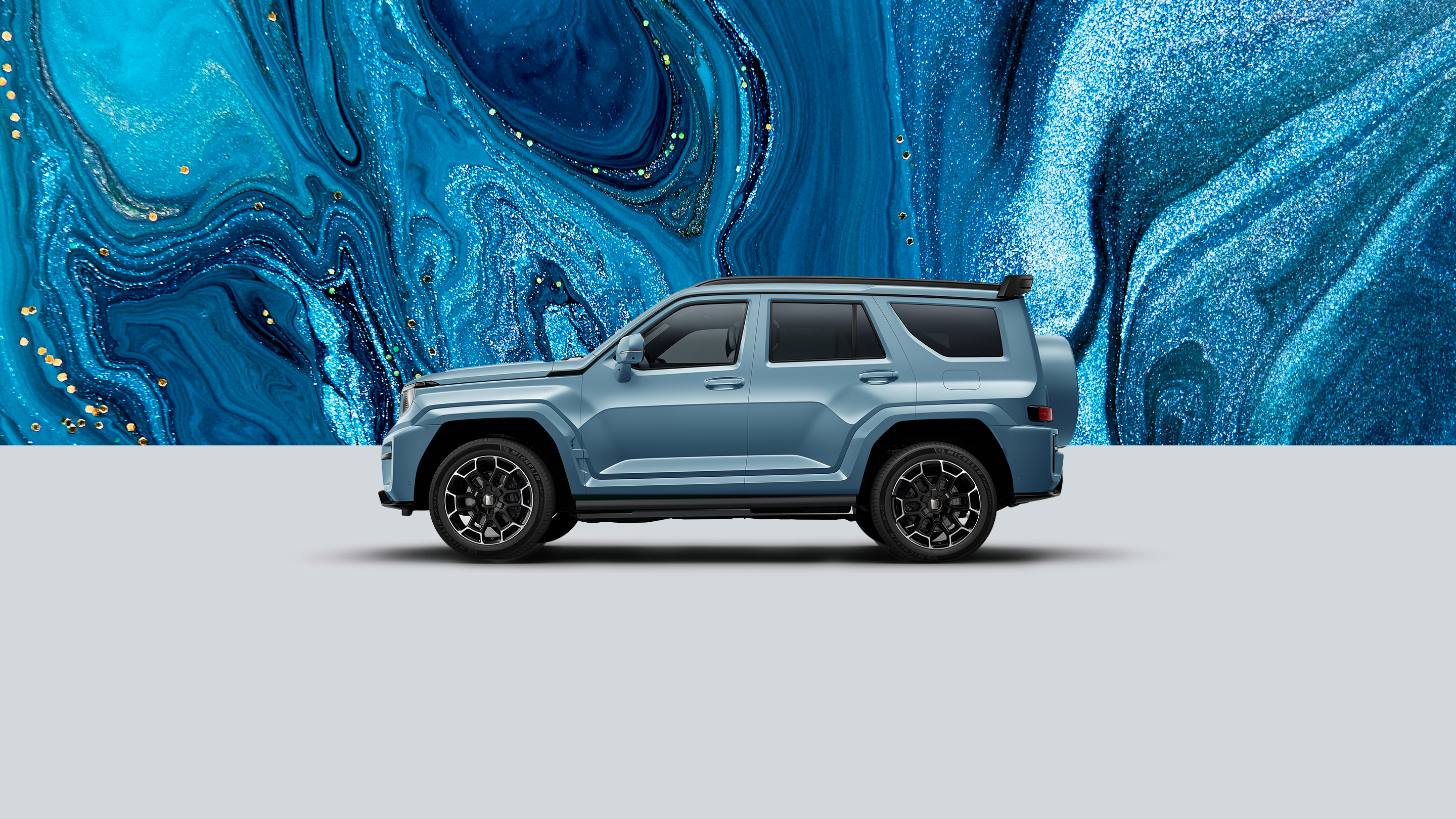
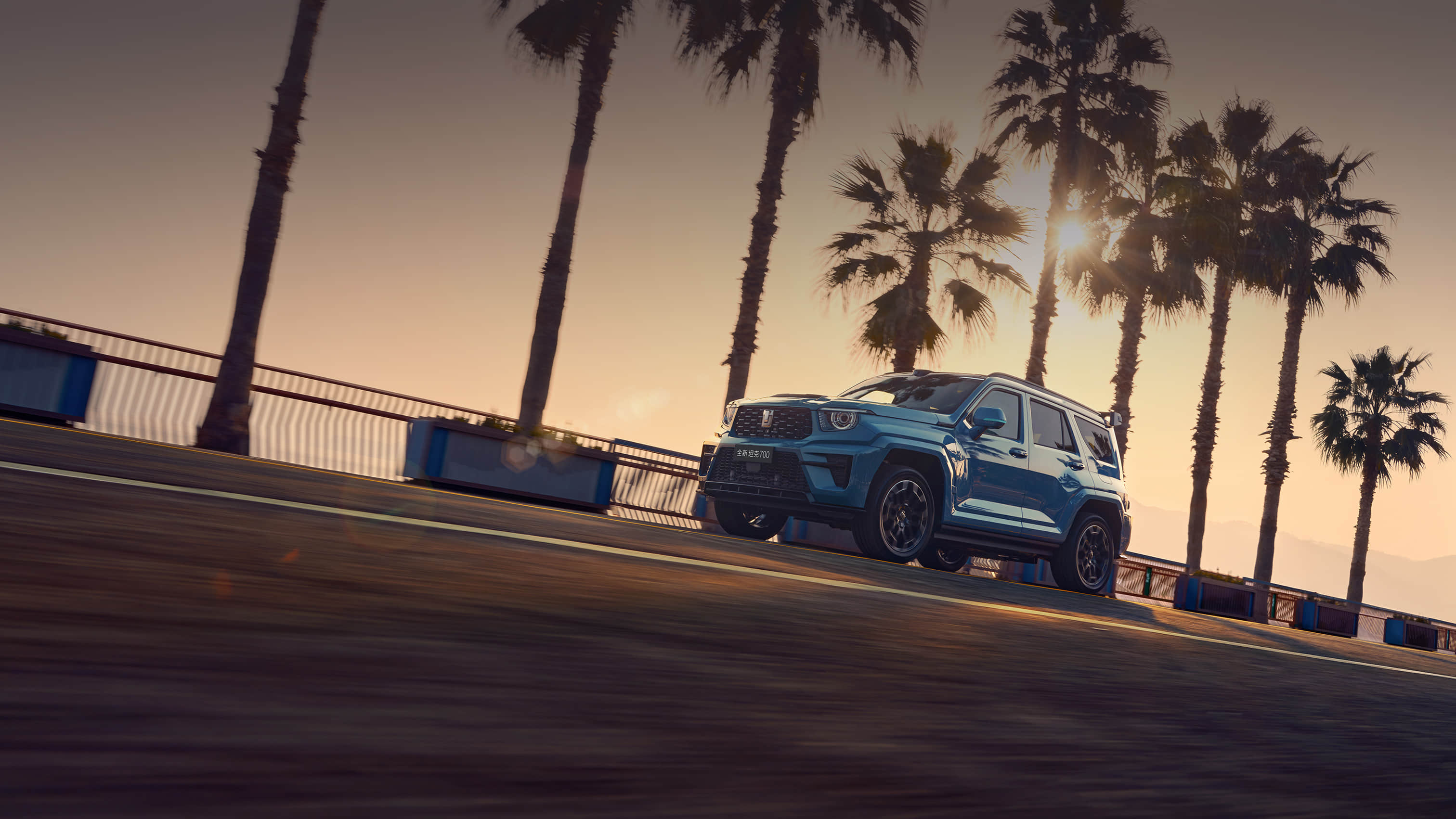
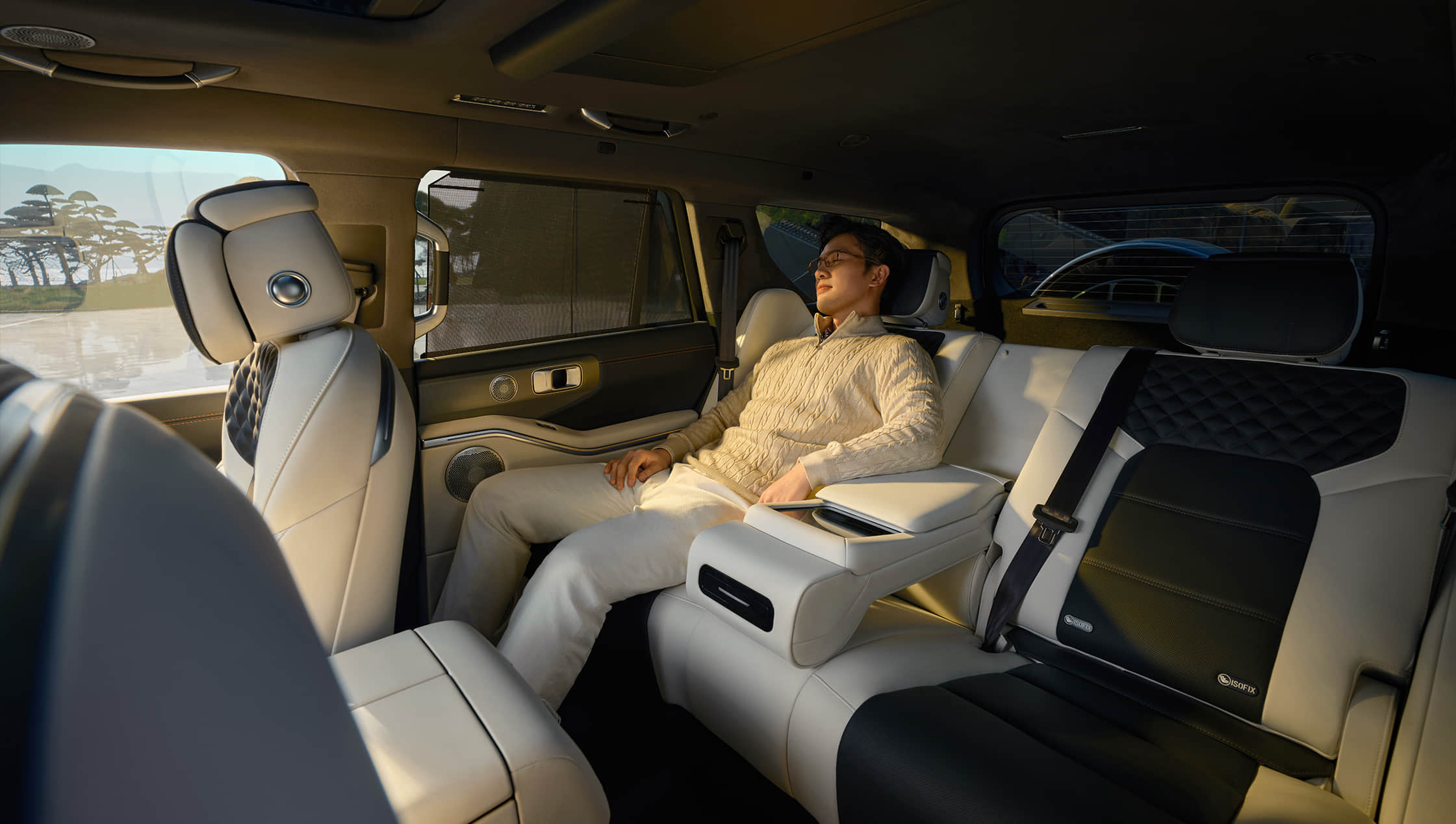
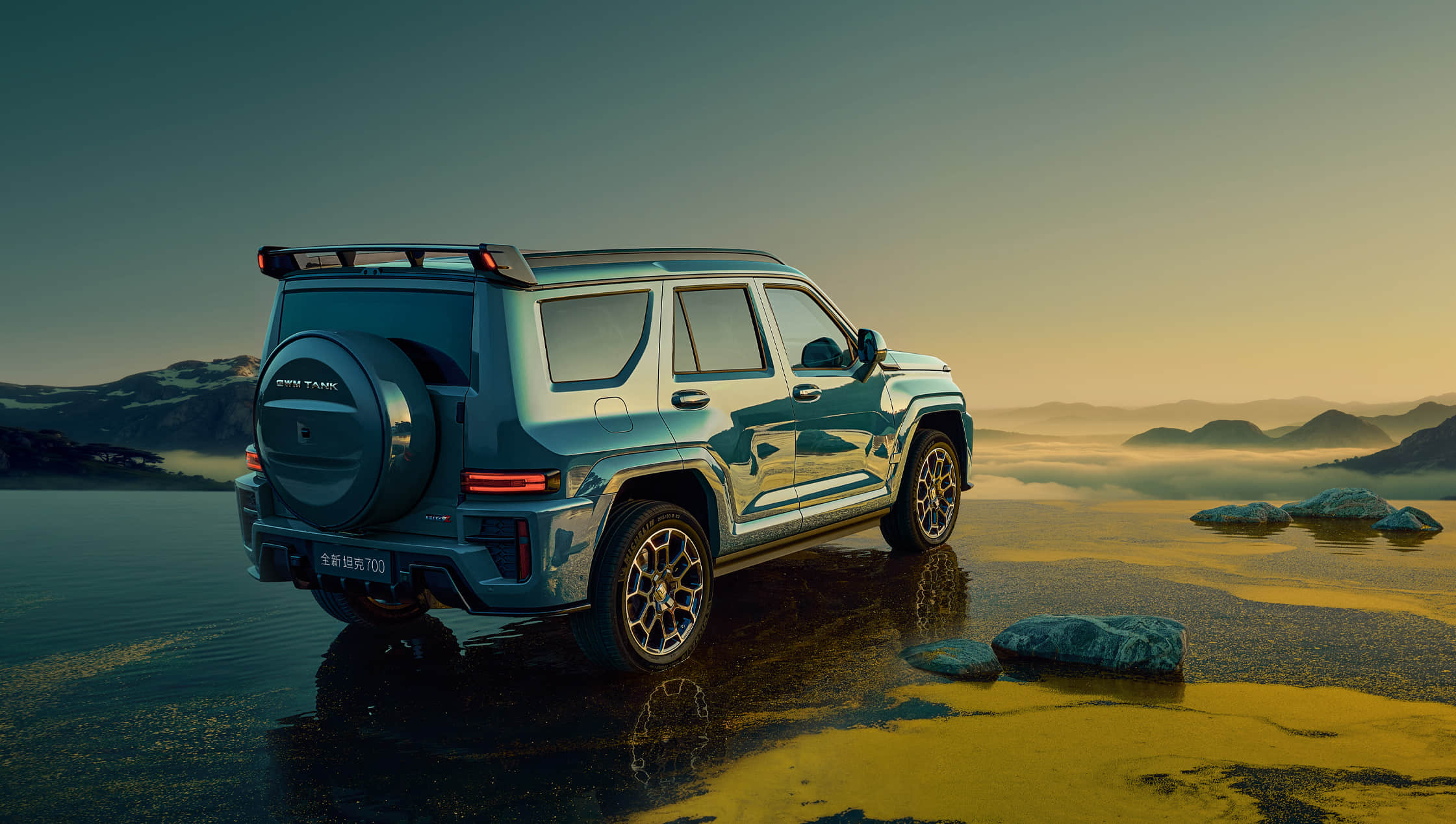
Keep the manufacturer's colour name or reference beside the image you like. Brown, red or light interior can describe several tones and materials. Screens, lighting and image processing affect appearance, so request a matching sample image or vehicle photograph before committing. If sharing a screenshot, include its source page and identify the part of the cabin you mean: seats, dashboard, door trim or headlining.
Read the illustration's version note
The official 700 page identifies versions used for its interior illustrations. A colour photograph is not a complete equipment list. Compare seat functions, cabin controls and other relevant features in the selected trim's configuration table. Before using the 360-degree viewer, read its vehicle identification. It helps inspect the illustrated cabin; it does not prove every paint and interior combination has identical equipment or that the pictured vehicle is offered for sale.
Separate preferences from essentials
State your first-choice interior and any acceptable alternative in writing. Explain whether a light seating surface, particular material or cabin function is essential. Ask the proposal to repeat exterior and interior choices separately and identify factory options. Confirm the proposed vehicle with matching photographs before procurement. This gives the buyer and sourcing team a clear common reference instead of an informal colour description or an unrelated gallery image.
Questions, answered.
Does a red-interior photograph identify a trim on its own?
No. Record model year, trim and manufacturer colour reference together, then verify the proposed vehicle.
Does the 360-degree cabin show every interior colour?
No. It shows the identified demonstration vehicle. Read the viewer note and request images for your selected interior.